
Automatic, manual and preview dialling
Choose a mode that fits the campaign. Preview dialling lets staff review lead details before placing a call.
Organise sales calls and follow-ups from Android phones with astDIAL.
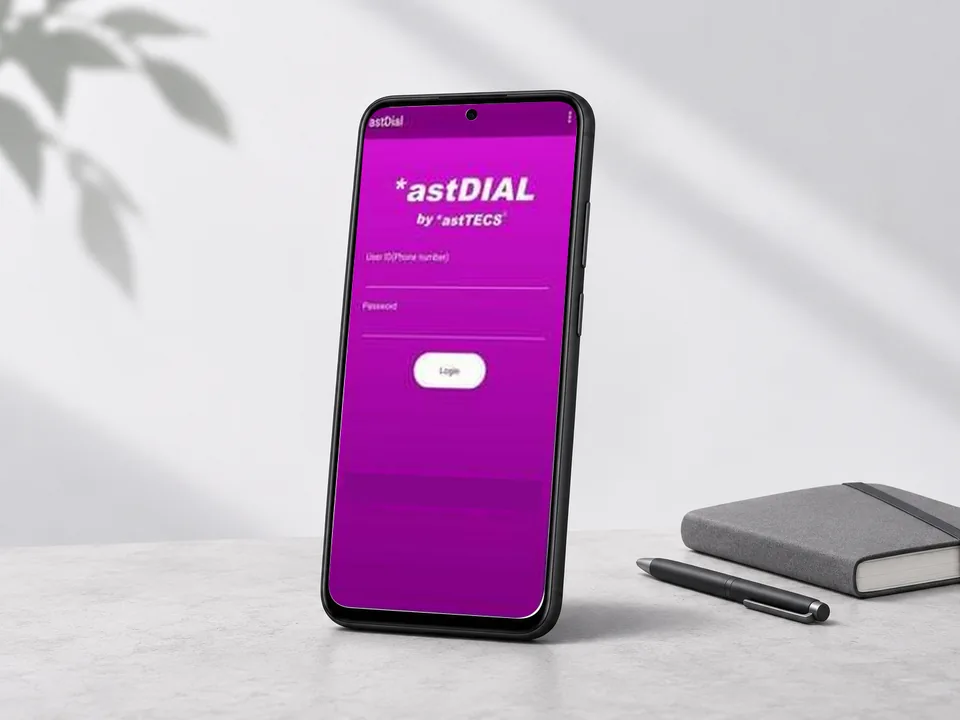
Miraloyd offers astTECS astDIAL to help distributed teams manage outbound calling campaigns from Android phones.
Teams can work through assigned leads, record what happened on each call and plan the next follow-up. Supervisors can track call activity across campaigns.
Choose a mode that fits the campaign. Preview dialling lets staff review lead details before placing a call.
Organise lead lists by campaign and give callers the information they need for each conversation.
Track calling activity and capture outcomes such as a callback request, no answer or a completed follow-up.
Follow up on new leads and log which customers are ready for another conversation.
Keep calls and campaign notes organised when staff work away from the office.
Manage callbacks and track the outcome of service or renewal conversations.
We help you confirm Android device requirements, organise lead lists, define call outcomes and agree what supervisors should monitor. If you also need inbound queues and an agent desktop, consider a blended setup with the Predictive Call Center Dialer.
We help you choose a dialling workflow, set up campaign reporting and test the setup with a small team before a wider rollout.
Tell us how many people will make calls, how you manage leads today and what outcomes you need to track.
Request a consultationThe documented astDIAL Mobile Dialer is for Android phones. Confirm device compatibility with Miraloyd before rollout.
Preview dialling lets callers review a lead’s information before placing a call, which helps when calls need some preparation.
astDIAL supports campaign management and live monitoring. Confirm the views and outcome reports your team needs during setup.